
Free Hair Extension Colour Match
Find your extension shade
Getting your colour right starts with a clear photo in natural daylight. Send a photo of your mid-lengths and ends so Nicole can recommend an Original Diva shade before you buy. Our online colour-matching service is free.
Request your free colour match
Upload one clear photo of your hair in natural daylight (up to 4 MB). JPG, PNG, WebP, AVIF and HEIC/HEIF are accepted. Show your mid-lengths and ends, and avoid flash or filters.
Enter your first name and email so Nicole can reply. Your surname and phone number are optional.
Already know your shade? Shop hair extensions.
Our Colour Chart
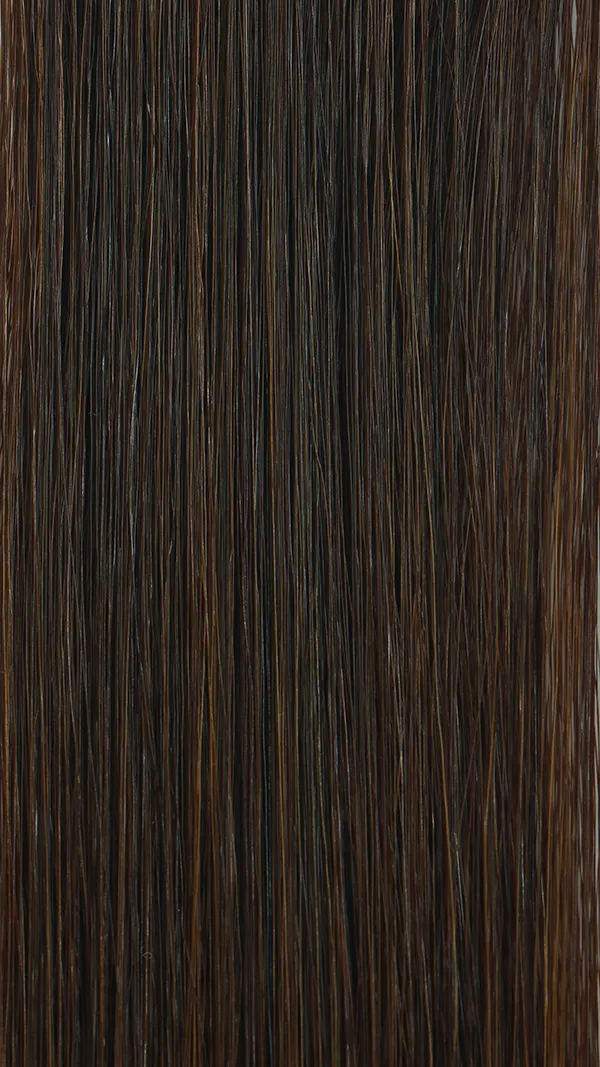
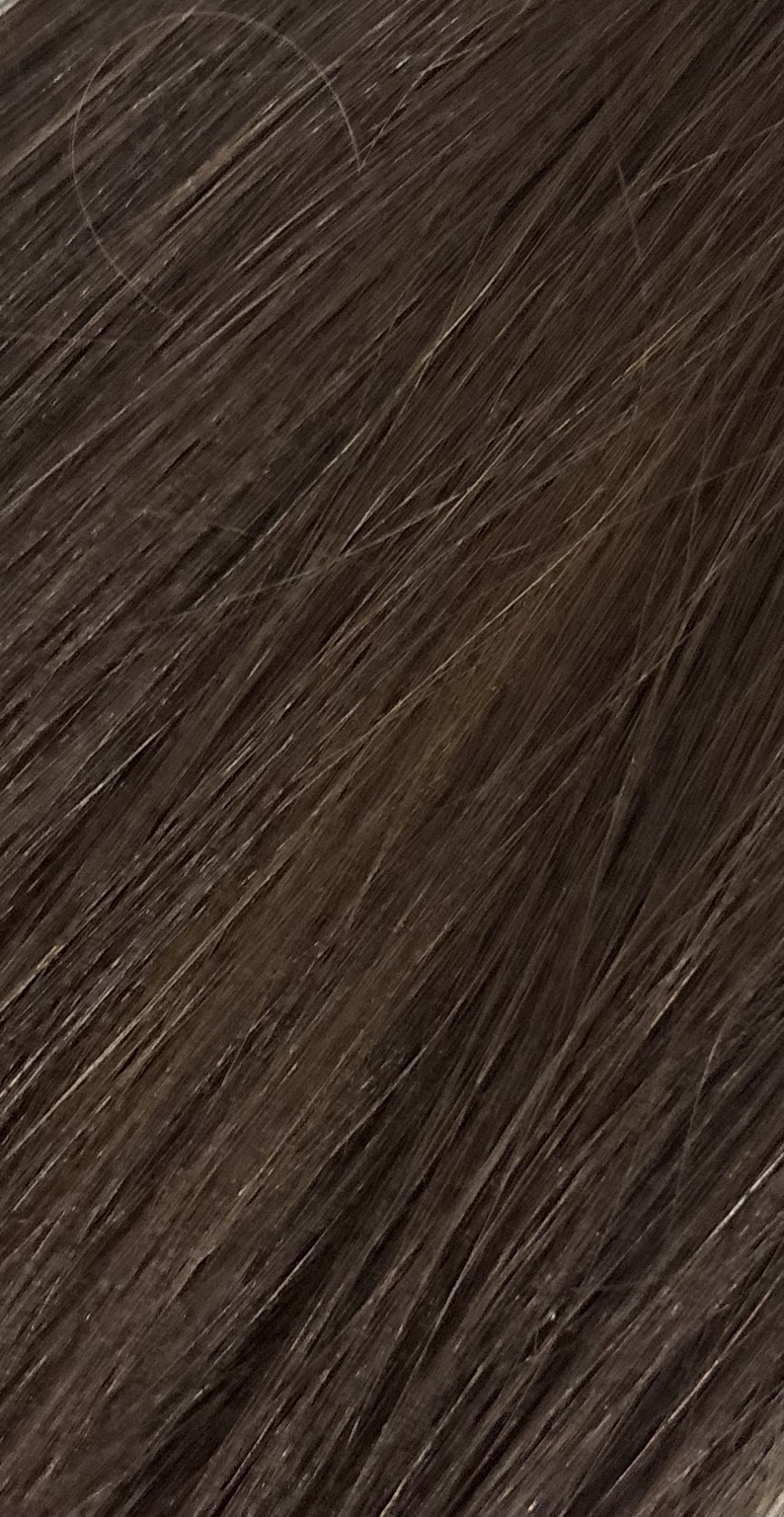
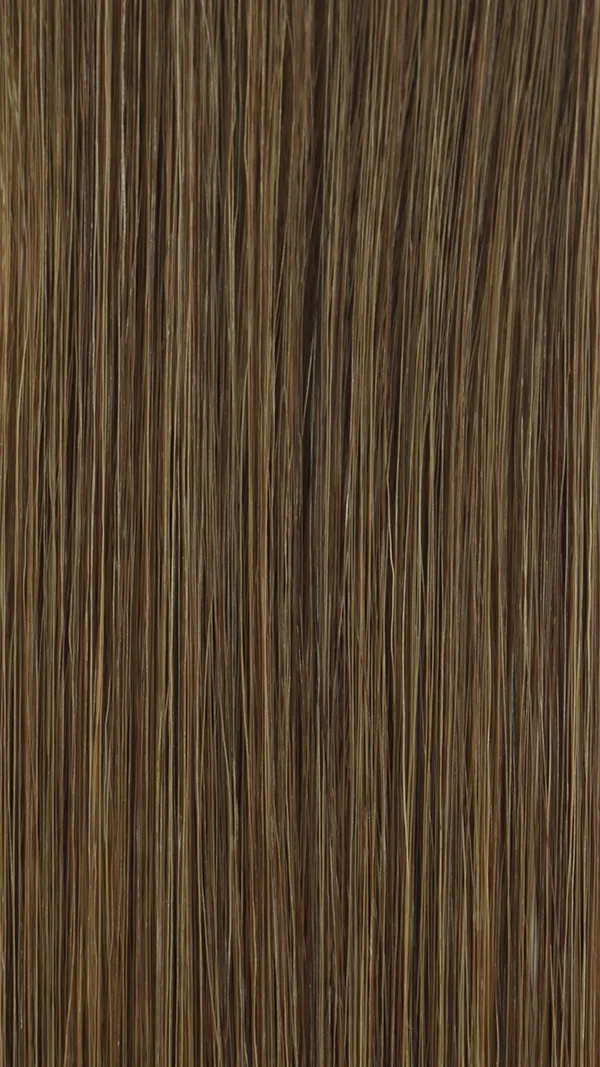
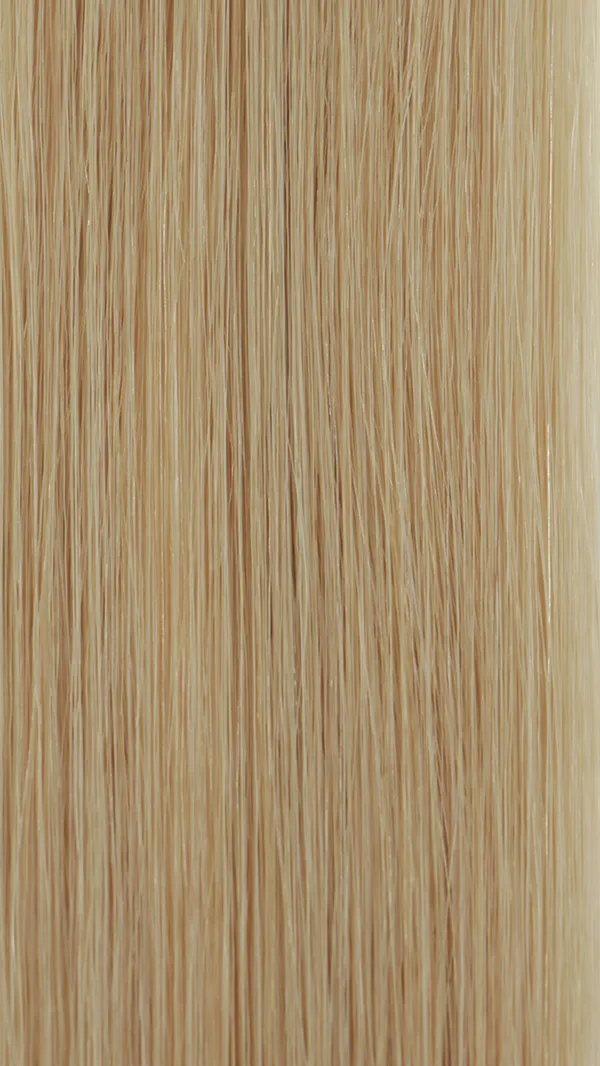
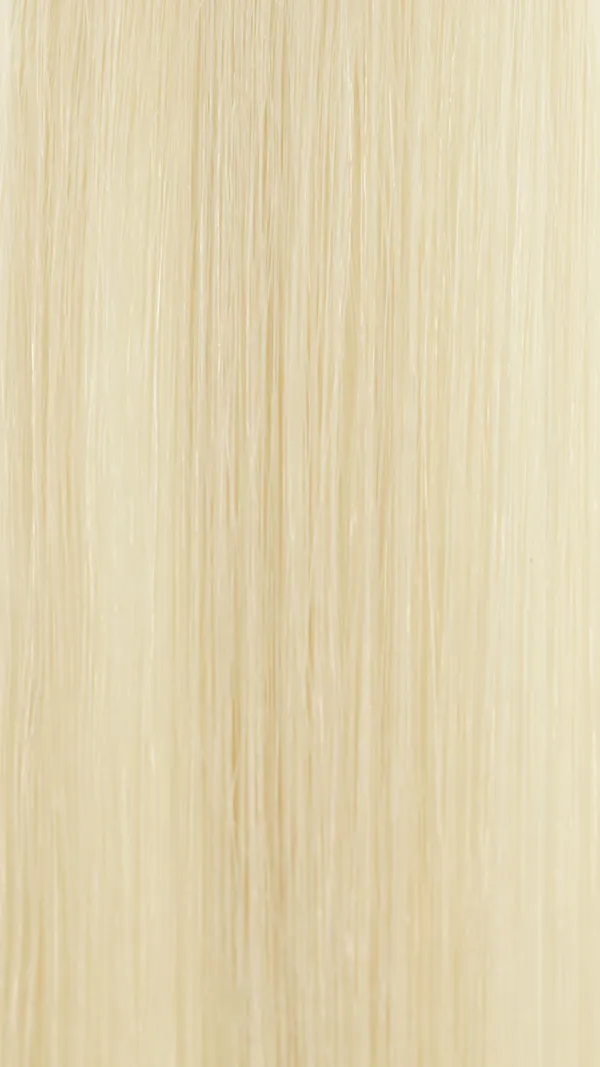
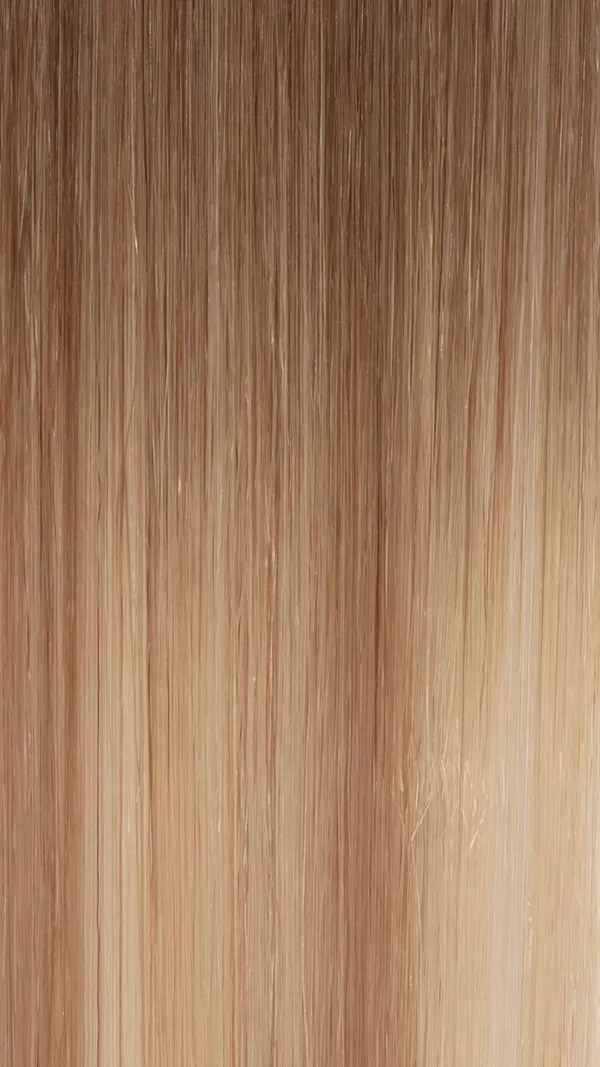
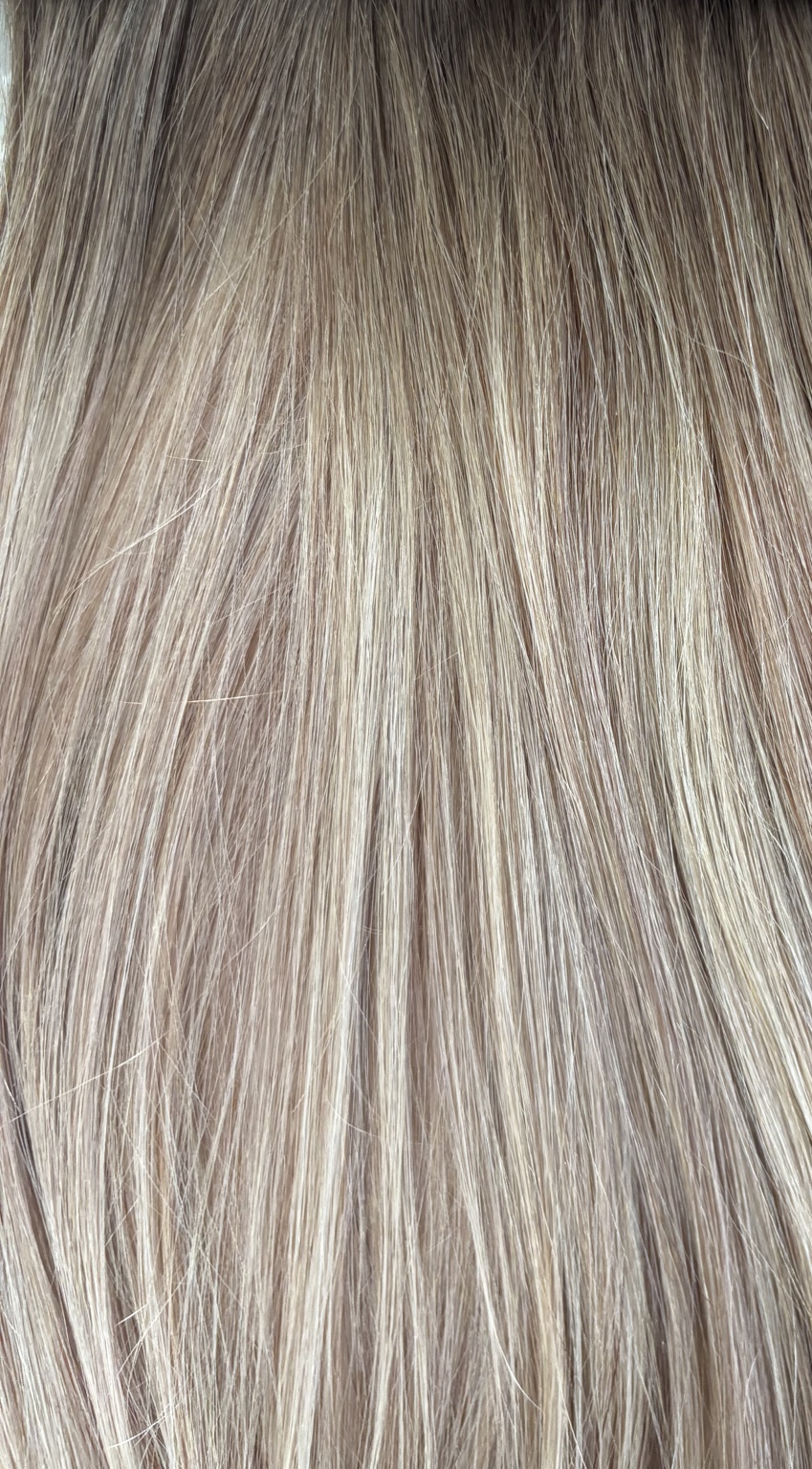
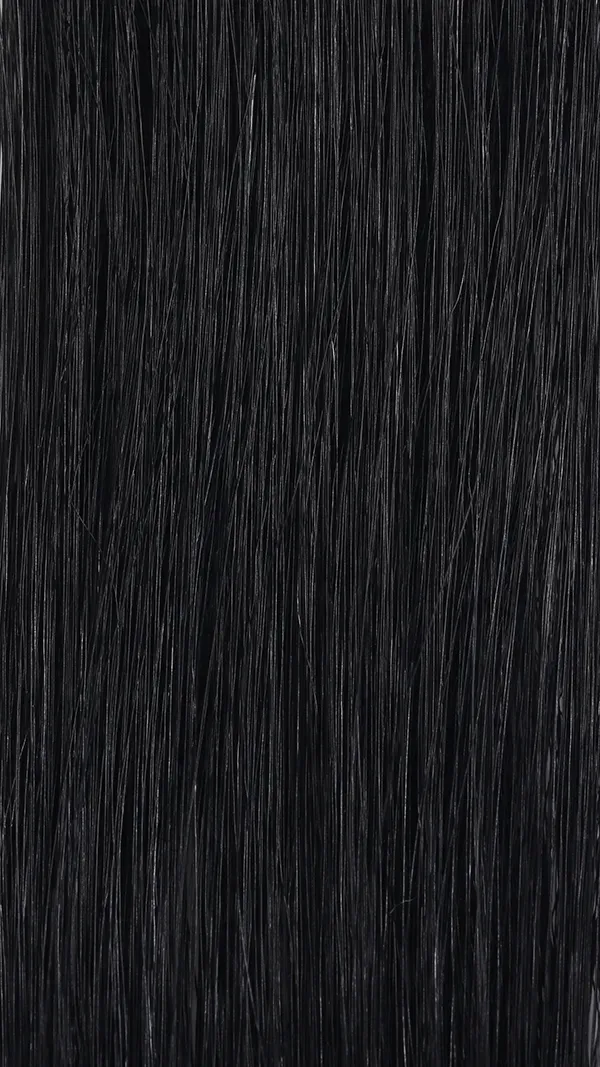
Compare our blonde, brunette, black, highlighted and 8/60 Root Melt shades. Tap a photo to view it larger, then check colour availability on your chosen product. The Root Melt photo shows the shade on our thickening clip-in pieces.
more colours are available, send us an image so we can colour match you
How to choose your extension colour
Match extensions to your mid-lengths and ends, where the hair will blend. Screens and lighting can change how a shade looks, so use the chart as a guide.
Tips for a natural blend
- Compare shades in natural daylight.
- Focus on your mid-lengths and ends rather than your roots.
- If you are between shades, request a personal colour match before ordering.
Taking your colour-match photo
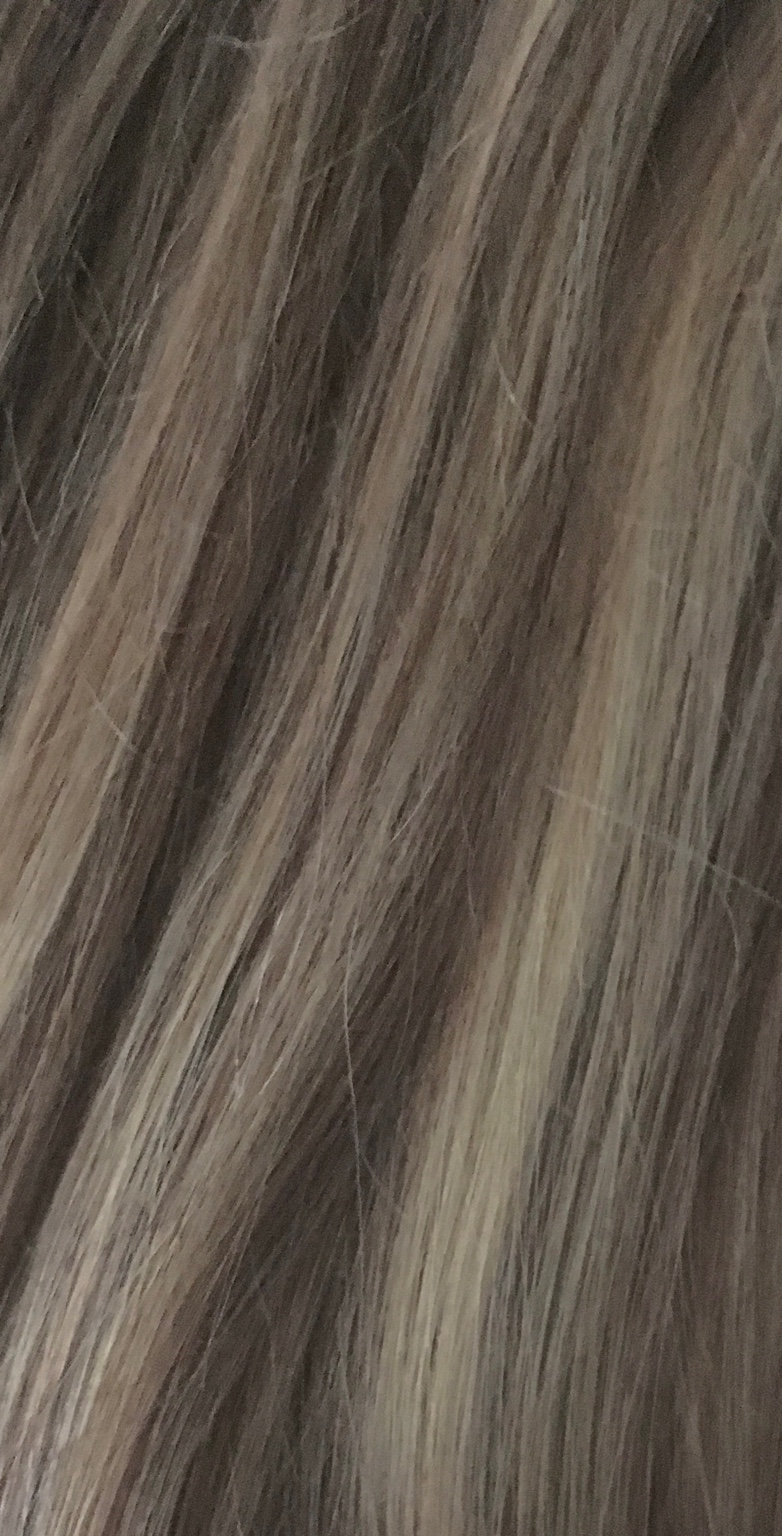
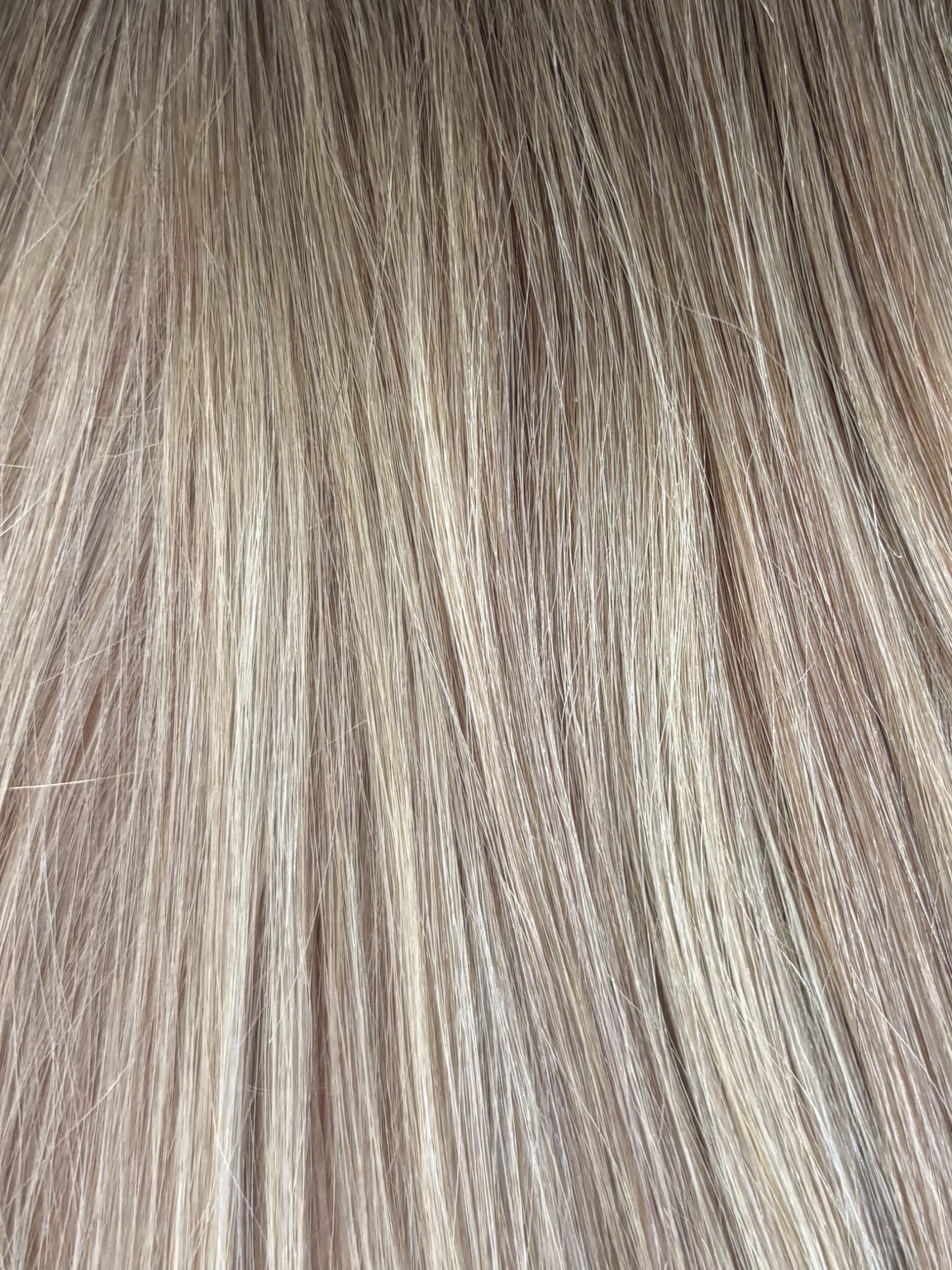
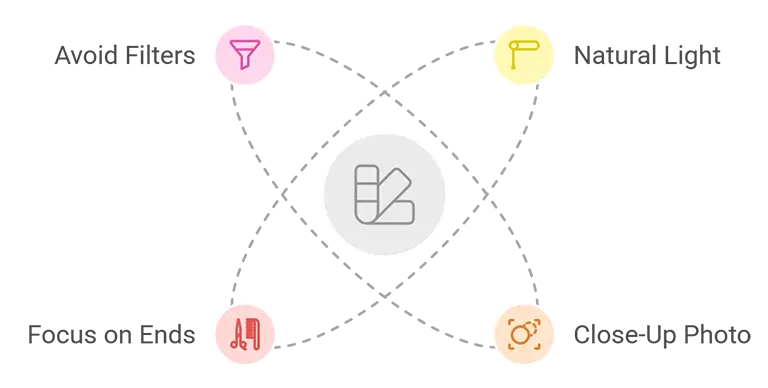
Use the tips below to take a clear, unfiltered photo, then upload it in the request form above. Nicole will review your hair colour and recommend a shade.
Photo Tips for Accurate
Hair Extensions Colour Matching
Natural Light
Take your photo in natural light, preferably during the day, near a window or outside for true colour.
Close Up Please!
Ensure the photo is close enough to clearly show your hair colour and texture.
Focus on the Ends
Include a clear image of the ends of your hair, as this is the area most important for an accurate colour match.
Keep It Simple
Avoid using filters, flash, or artificial lighting that could distort the natural tone of your hair.